Gui Studio — Screen Editor for Godot 4
A downloadable tool for Windows
Design a game screen once. Ship it to Godot 4 as a real, editable scene.
Public beta — $20. Full Windows app. Free updates for buyers.
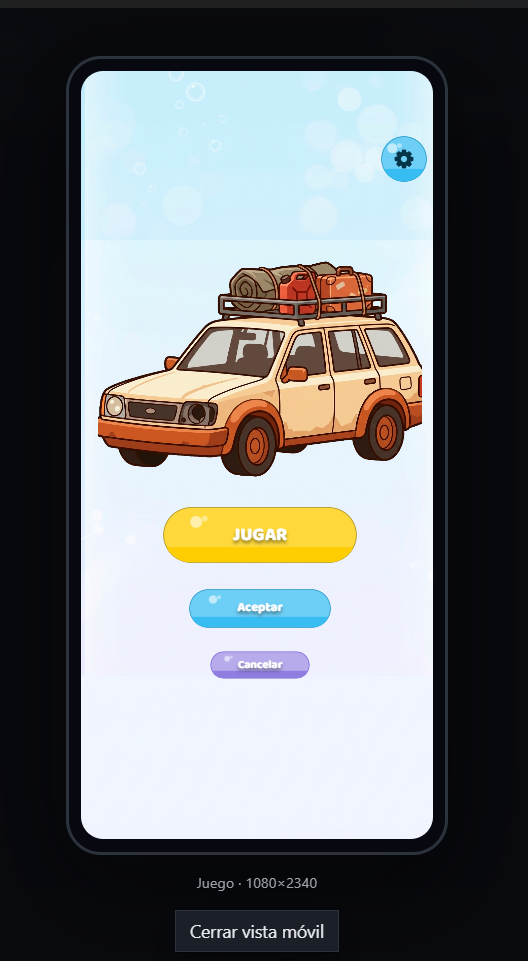
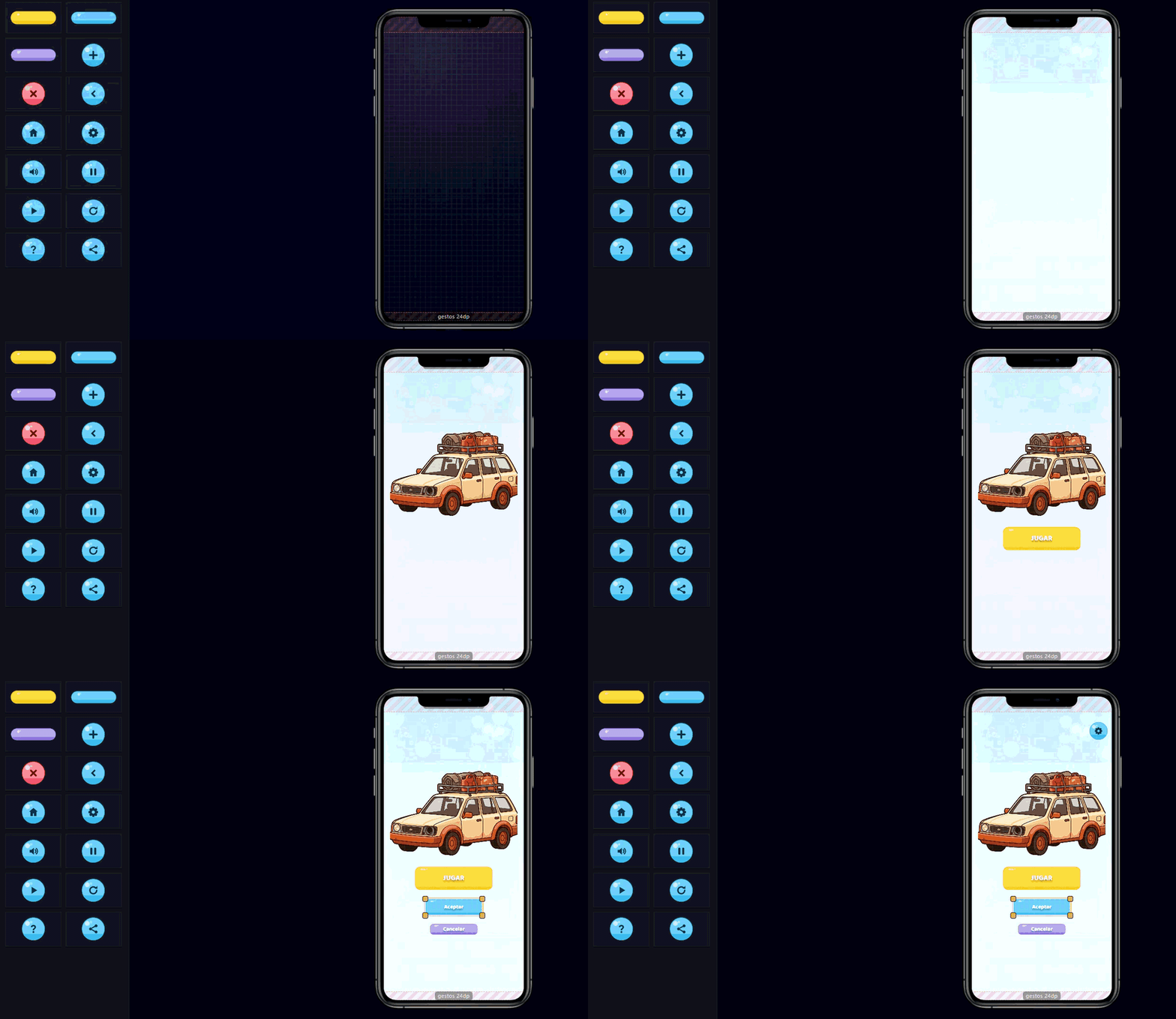
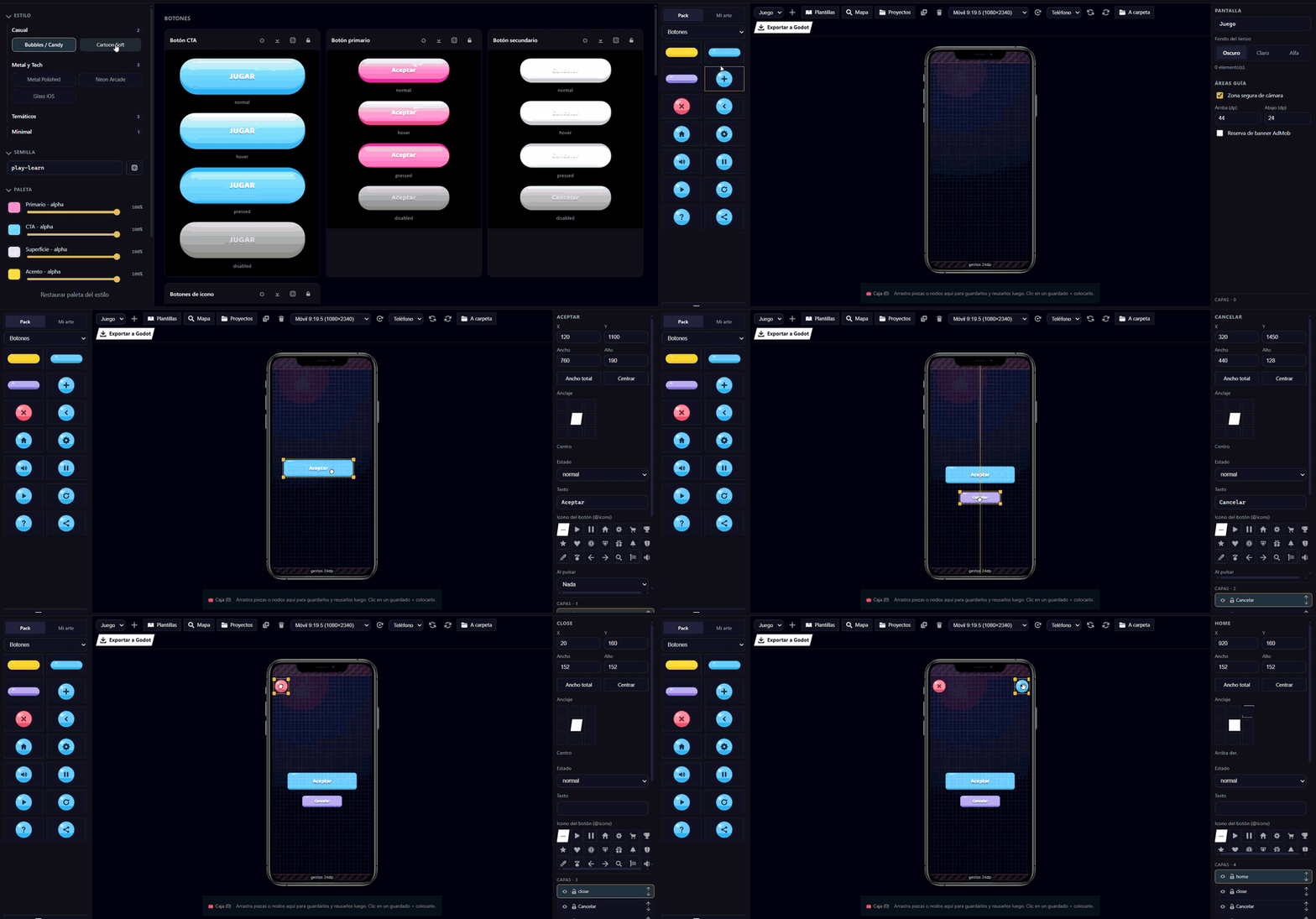
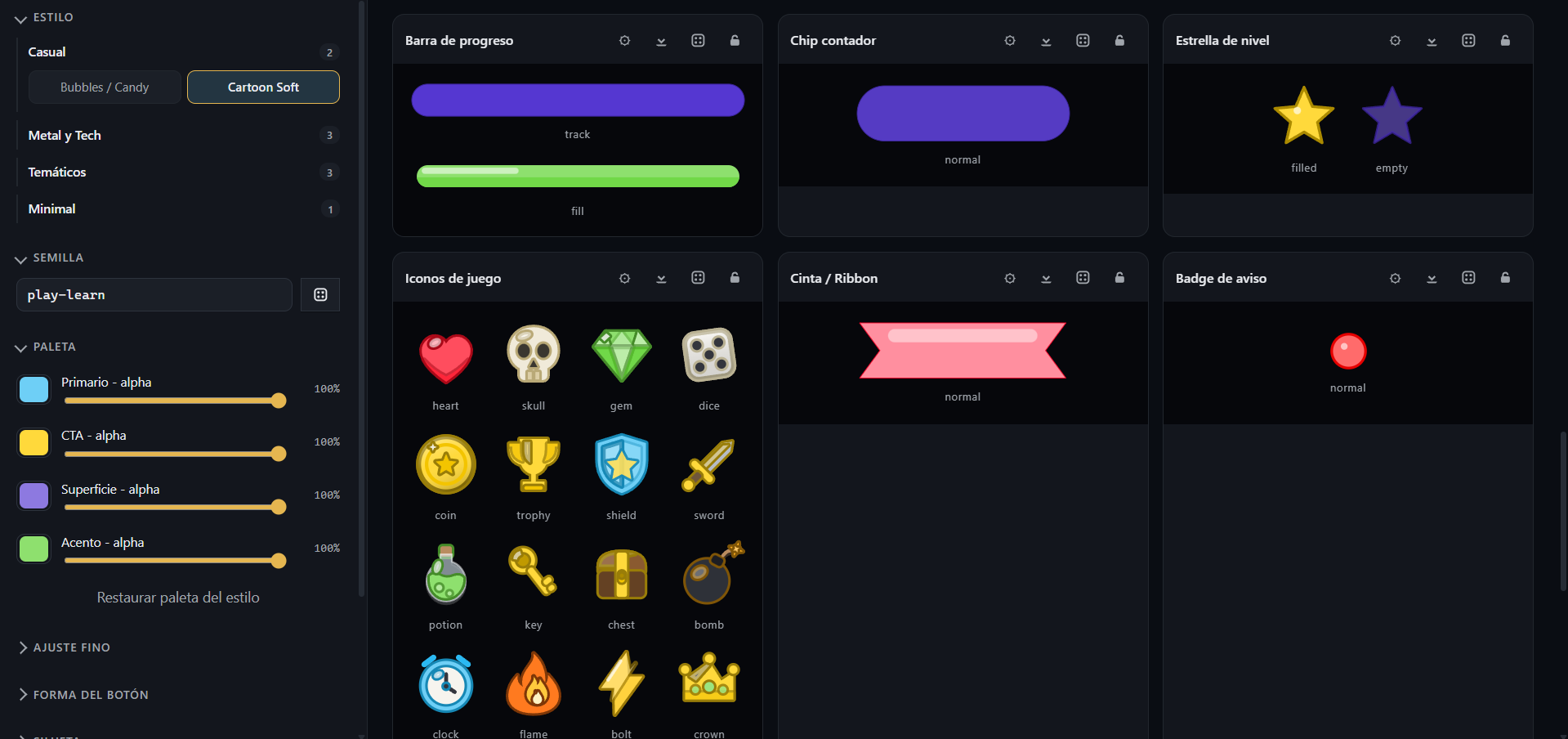
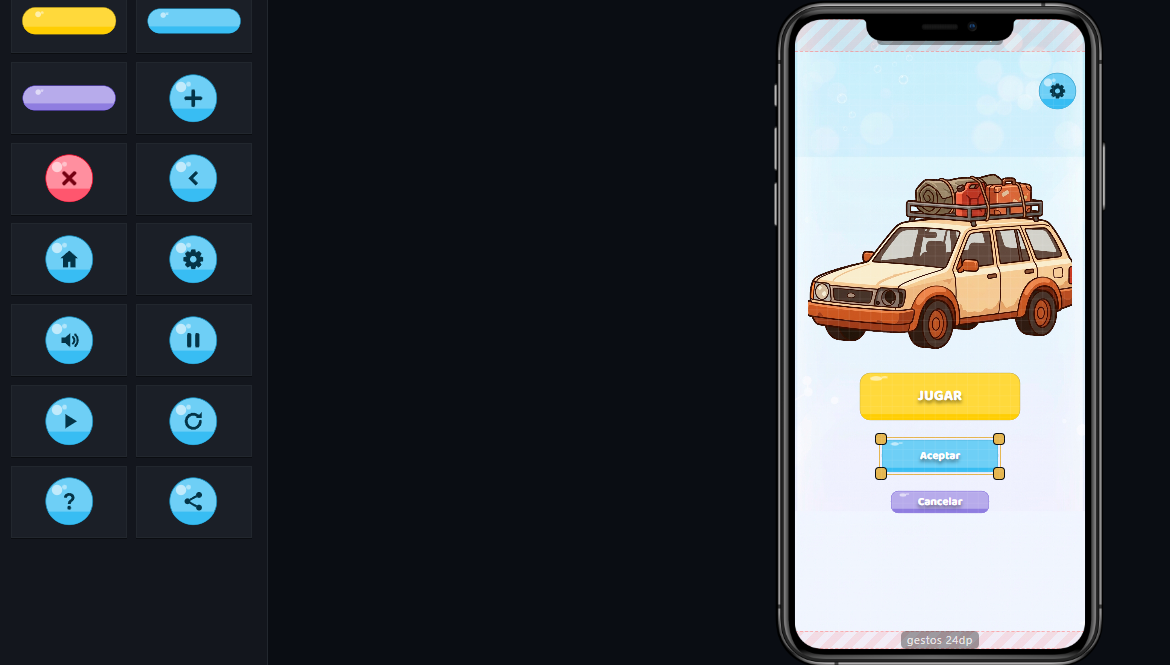
Gui Studio is a desktop screen editor for Godot 4. Design menus, level selectors, shops and game-over screens visually — with a full library of buttons, panels, icons and 9-slice styles — then export a working .tscn that opens in Godot with anchors, theme, fonts and navigation already wired.
Every other UI tool (Figma, Adobe XD, Justinmind) gives you HTML/CSS or a spec doc. Gui Studio gives you a Godot scene. Real anchors. Real 9-slice. Real theme variations. Real font resources. You open the .tscn and it just works.
What you get
- Visual screen editor with real device frames (phone 9:16, phone 9:19.5, phone landscape, tablet 3:4, desktop 16:9).
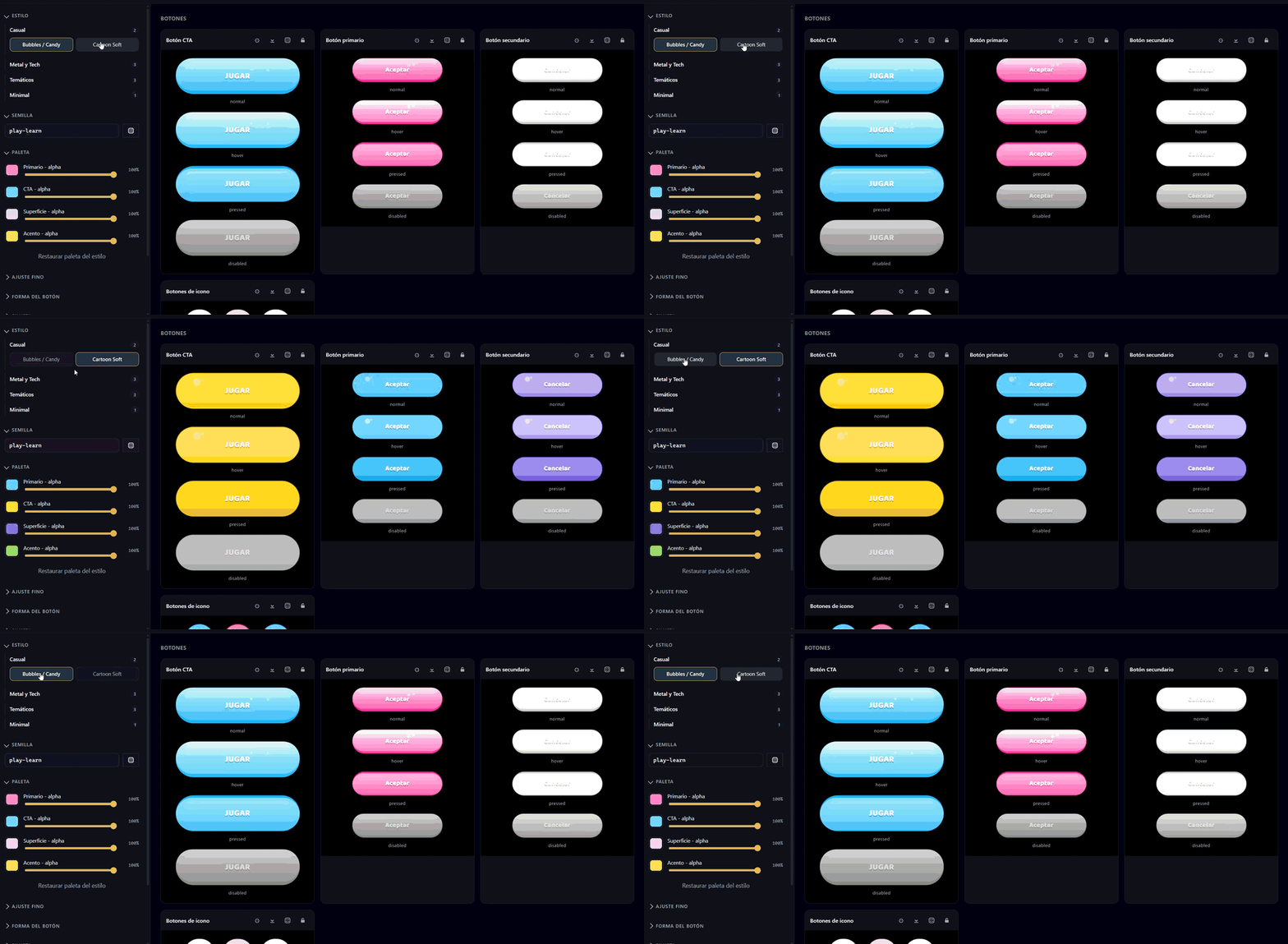
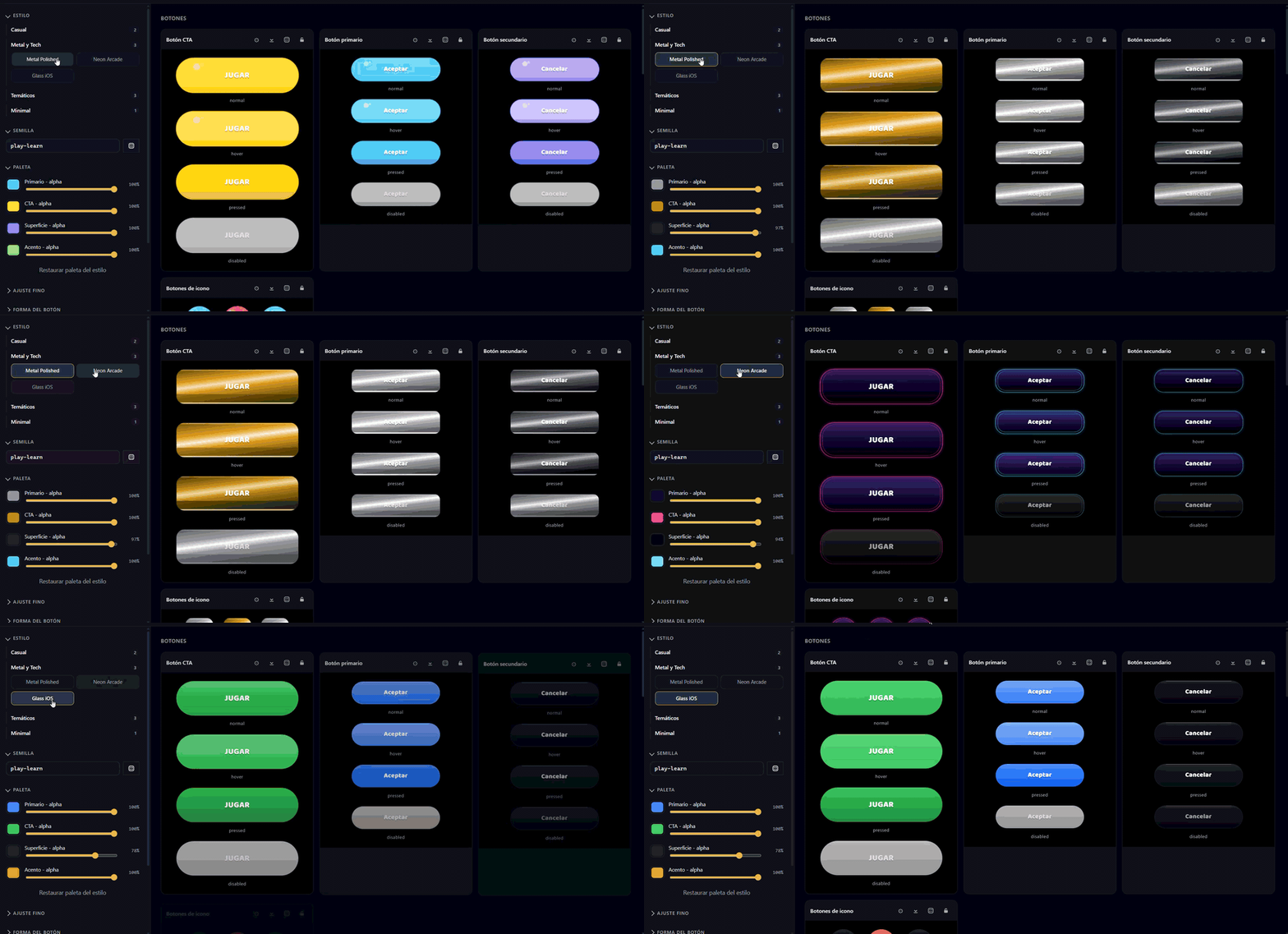
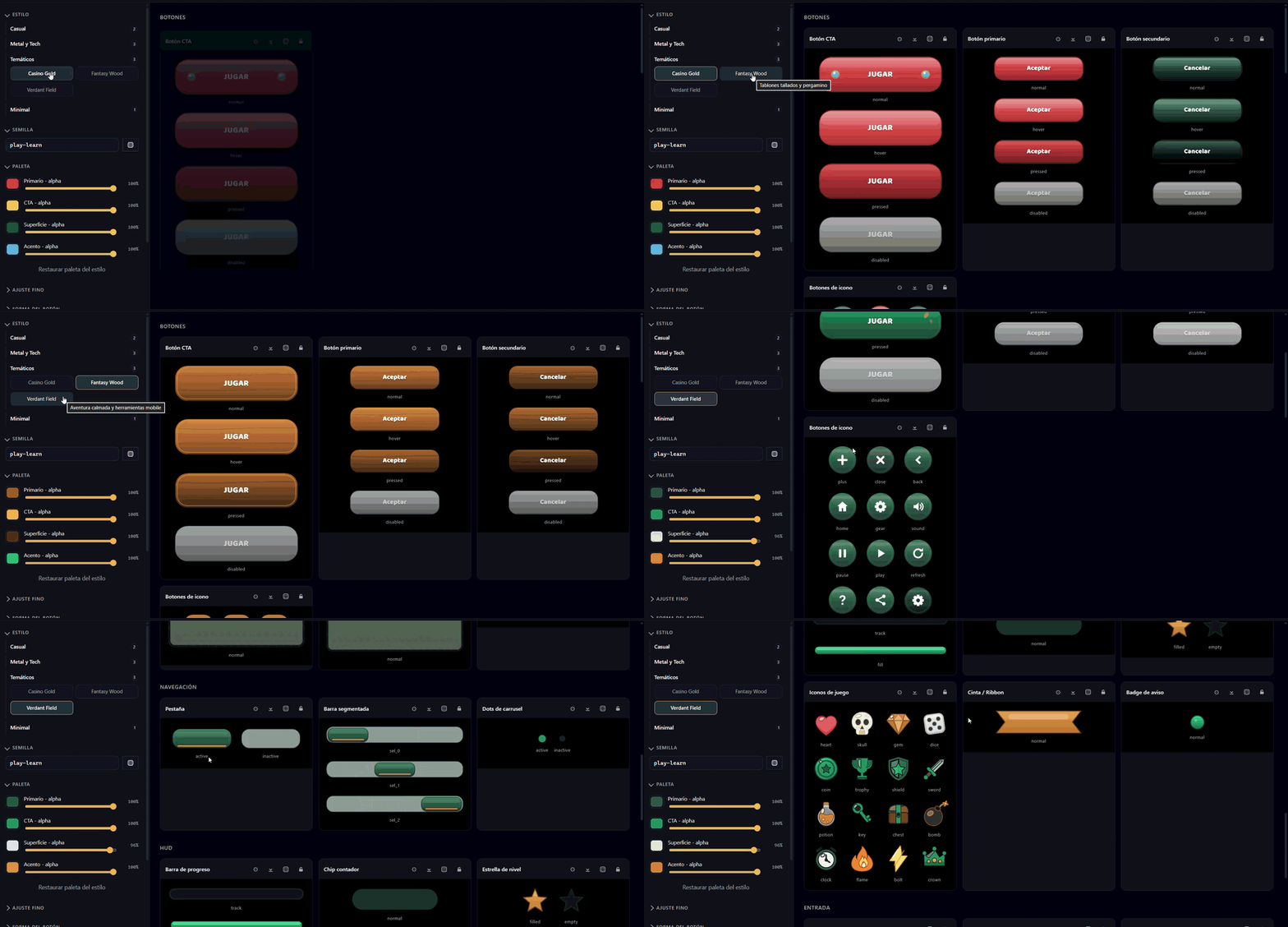
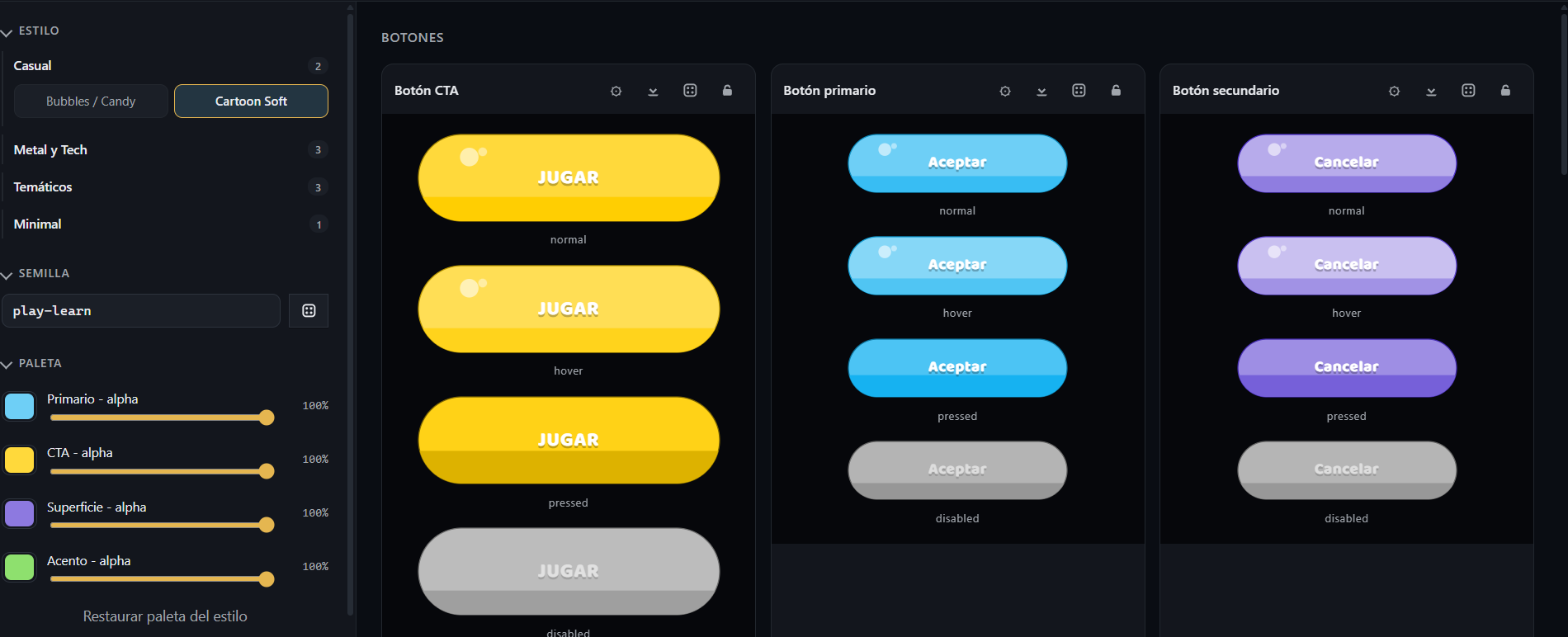
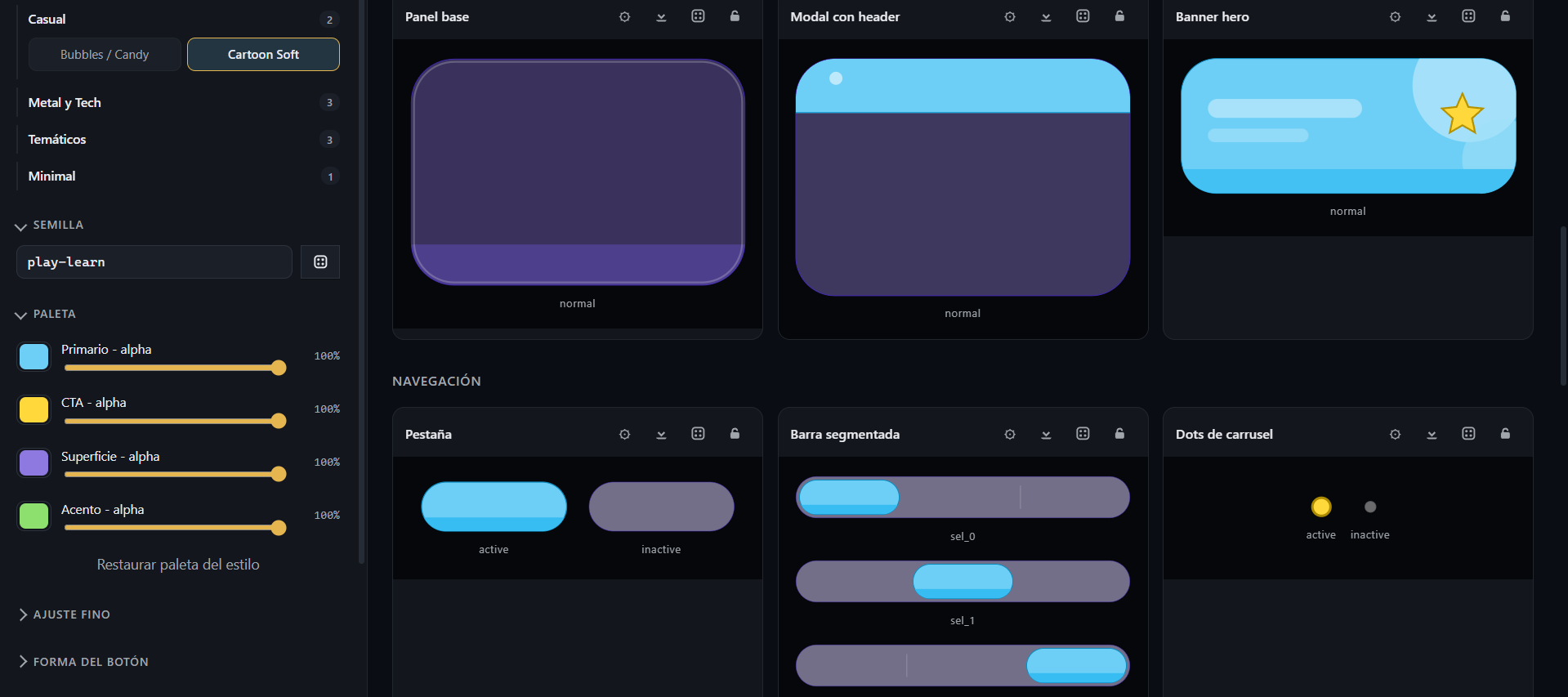
- Nine built-in UI styles — flat, casino, bubbles, cartoon, glass, metal, neon, verdant, wood — with editable palettes and adjust knobs (gloss, gradient, border, radius, elevation).
- Six ready-made screen templates: main menu, level selector (4×5 grid), shop, game over, pause, settings.
- Your own art — upload PNG/SVG and tag each one as button / panel / background / icon / decor / logo. Buttons carry 9-slice margins and optional per-state textures.
- Groups export as real containers (
HBoxContainer/VBoxContainer/GridContainer) — not fake positioning. - Icon library (@icons pack) — 557 SVG icons ready to drop on buttons; they tint with the theme.
- Real Google Font wired as
default_fontin the theme. Labels and buttons render with the right font without touching anything in Godot. - Grid duplication, multi-select, align, distribute, and Figma-style edge snap.
- Direct export to your Godot project folder — auto-detects the project viewport (
project.godot) so pixel positions are correct for your game. - MCP server for Claude Code and Cursor — scaffold screens from natural language and write them straight into your project.
How it works
- Pick a device and a style. Drop pieces on the canvas or start from a template.
- Add your art, edit text, wire button actions between screens.
- Click "To folder", pick your Godot project — done.
What ships in the export
screens/*.tscn— one scene per screen, with real anchor presets.assets/ui/<style>/— PNG textures +theme.tresandtheme_full.tres(Button, ButtonCta, ButtonSecondary, Panel, ProgressBar, LineEdit, TabBar, CheckBox, HSlider all wired).assets/images/,assets/icons/,assets/fonts/— every image, icon and font you actually used.Router.gd— navigation script compatible with DRSTransitionautoload if you have it, plainchange_scene_to_fileotherwise.Layout.gd— safe area + AdMob banner reserve math, using the real Google AdSize table (BANNER, LARGE_BANNER, MEDIUM_RECTANGLE, FULL_BANNER, LEADERBOARD, ADAPTIVE).project.json— the whole project, re-openable in Gui Studio.README.md— install steps for the exported pack.
Requirements
- Windows 10 or 11 (x64). Installer ships as NSIS.
- Godot 4.6 or newer recommended for the exported scenes.
- ~100 MB installed (includes render cache + vector atlas).
Current price: $20 — public beta. Buyers get every update free. Price may rise after the stable 1.0 launch.
License
All packs, themes, scenes, and files exported by Gui Studio are royalty-free for your commercial and personal projects. Third-party notices bundled with the installer:
-
Icon set: Voxybuns" class="redactor-linkify-object">Voxybuns" class="redactor-linkify-object">https://github.com/voxybuns">Voxybuns / @icons — MIT.
- Fonts: Google Fonts under SIL Open Font License.
Roadmap
- Per-state textures for custom-uploaded buttons (normal / pressed / hover).
- Text inside custom
TextureButton(icon + label composite). - Re-import round-trip: edit a
.tscnin Godot, pull changes back. - Unity / UGUI export target.
- macOS and Linux builds.
FAQ
Does it work with Godot 3? No. The exported .tscn is format 3 (Godot 4). If you're on Godot 3, the theme resources won't load.
Can I use the exported scenes commercially? Yes. No royalties, no attribution needed for the generated art. Third-party assets (icons, fonts) keep their original licenses (both are MIT / OFL, so also free for commercial use).
What if I want to design at a different resolution than my game? Gui Studio reads window/size/viewport_* from your project.godot and rescales the design to match. For pixel-perfect fidelity, pick a device in Gui Studio with the same aspect ratio as your game.
Does it come with updates? Yes — every update ships as a new build on this page, free for buyers.
Refunds? If it doesn't work for you within 14 days of purchase, email me and I'll refund. No questions.
Built by Deer Rock Studios. Bug reports and feature requests welcome.
Purchase
In order to download this tool you must purchase it at or above the minimum price of $10 USD. You will get access to the following files:
Leave a comment
Log in with itch.io to leave a comment.