QuickCut
A downloadable tool for Windows
Updated August 18, 2026 — v1.1.0
Long video → short clips, with captions on the words — on your PC
QuickCut finds the talky parts of your video, ranks clips, and exports vertical MP4s with TikTok-style captions burned in. Cut to the beat of a song. Import from YouTube or TikTok links. Your footage never leaves your machine. No subscription. No upload queue.
$20 once. You are buying the local caption + cut + reframe + Beat Sync loop. Face tracking and project save/load are on the roadmap — not in this build yet.
✨ What’s new in 1.1.0
- Beat Sync — load a track, detect beats, auto-cut clips snapped to the grid. Preview the mix live; export with music over the original.
- URL import — paste a YouTube, TikTok, Instagram, or Facebook link; QuickCut downloads and opens it (yt-dlp on first use).
- Pro timeline — zoom 1×–20×, waveform + speech band, beat markers, drag trim handles, split / duplicate / move clips.
- Undo / Redo — 50 steps (Ctrl+Z / Ctrl+Y).
- Snap — clip edges, words, and beats (hold Shift for free move).
- 8 subtitle styles — TikTok, Hook Bold, Educational, Box, Minimal, Karaoke, Blue Karaoke, Classic.
 🎬 Core workflow
- Drop a file, paste a URL, or browse.
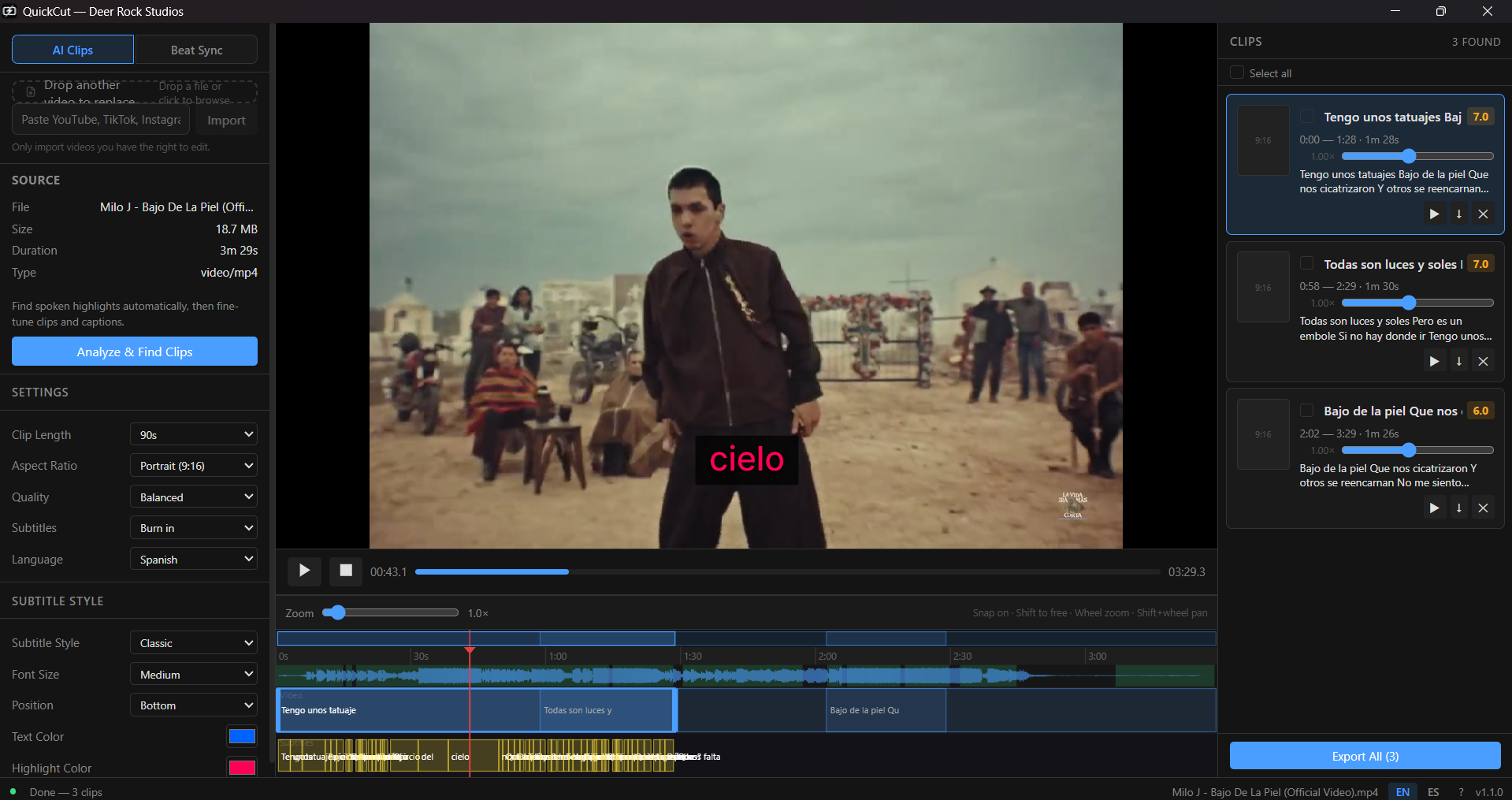
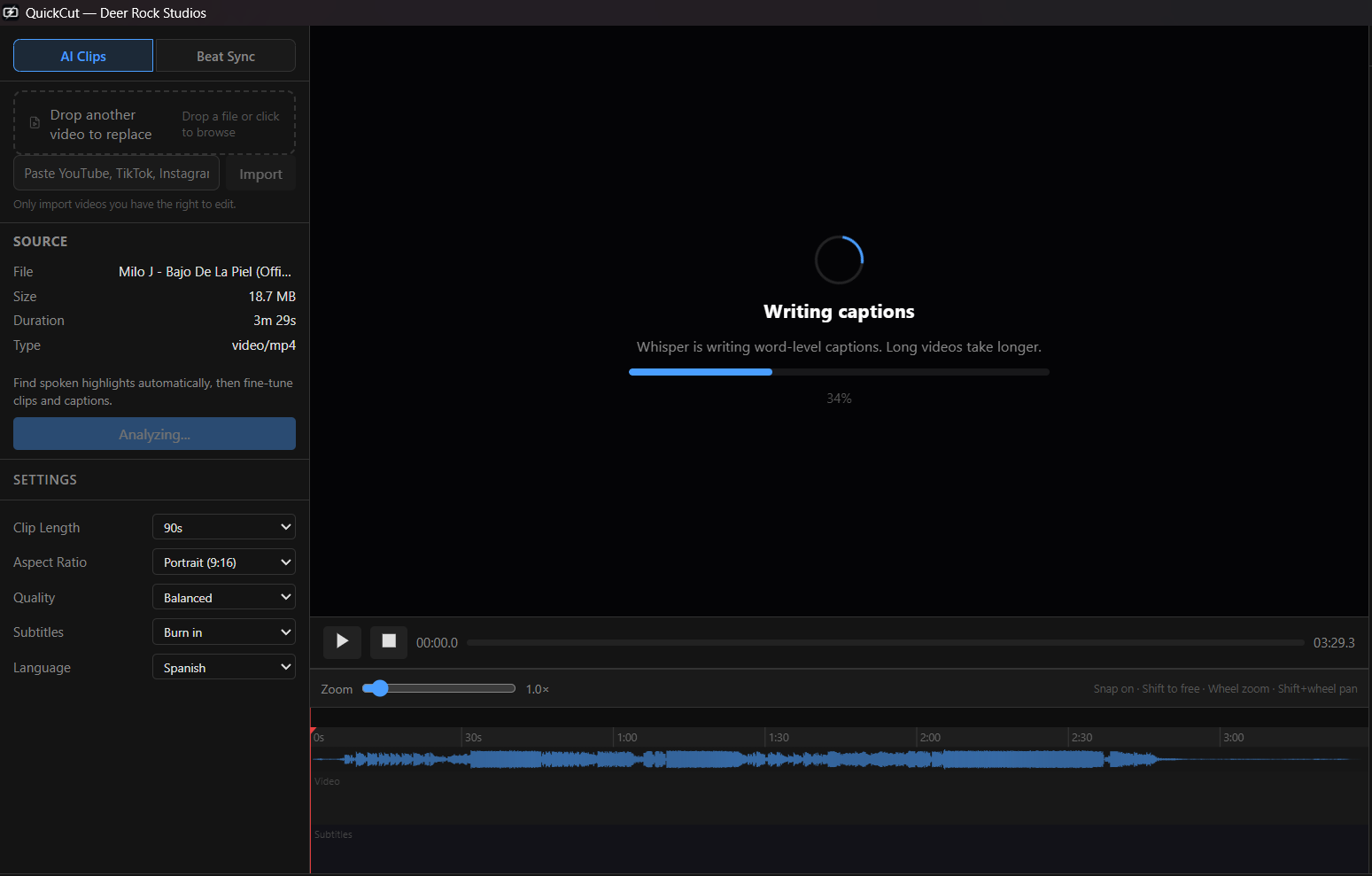
- Analyze — local Whisper transcription + speech scoring finds highlight clips.
- Edit captions and trim on the timeline.
- Export — batch MP4s in 16:9, 9:16, 1:1, or 4:5 with optional SRT sidecar.
 AI Clips mode
- Local Whisper (large-v3-turbo) with word-level timestamps
- Ranked clip cards with transcript snippets
- Speech-density scoring — skips dead air
Beat Sync mode
- Onset detection (spectral flux + adaptive threshold) — no cloud BPM API
- Cut every beat, 2nd, 4th, or downbeats only
- Quantize to grid · sensitivity slider · orange beat markers on timeline
- Live preview mix · sync offset −1s…+1s · export with music bed
💰 Why pay once instead of Opus / CapCut cloud
| Opus Clip | $19–29 per month, cloud upload, limits |
| CapCut | Free tier, account + upload, watermark on some exports |
| QuickCut | $20 once. Local. Unlimited exports on your PC. |
For client footage, medical content, or anything you will not put on someone else’s servers.
🔐 License
- One purchase unlocks QuickCut on one Windows PC
- Activate under ? → License with your itch key or download URL
- Same PC after reinstall = same license (stable machine id)
- Internet needed once for activation and occasional re-check; editing and export work offline after that
📦 Install size
Windows download ~120 MB (app + ffmpeg + whisper-cli). yt-dlp downloads on first URL import. The Whisper caption model (~1.6 GB) downloads on first Analyze into AppData — one time, then offline.
📁 Formats
Input: MP4, WebM, MOV, AVI, MKV · URL import (YouTube, TikTok, Instagram, Facebook)
Output: MP4 (H.264 + AAC), optional SRT
Aspect ratios: 16:9, 9:16, 1:1, 4:5 (center smart crop)
🌐 Languages
Interface: English, Spanish
Transcription: auto-detect (Whisper, 50+ languages)
💻 Requirements
- Windows 10/11 (64-bit)
- 8 GB RAM minimum (16 GB recommended for turbo model)
- Internet for first-run model download, URL import, and license activation
📥 Install
- Download the Windows zip from this page and extract it.
- Run QuickCut_1.1.0_x64-setup.exe (Start Menu → Deer Rock Studios → QuickCut).
- Open QuickCut → click ? → Activate license with your itch key.
- Drop a video → Analyze (first run downloads the caption engine, ~1.6 GB).
Early access — feedback shapes the roadmap. Refunds follow itch.io policy.
Made by Deer Rock Studios (Colombia) · support@deerrockstudios.com
Purchase
In order to download this tool you must purchase it at or above the minimum price of $20 USD. You will get access to the following files:
Leave a comment
Log in with itch.io to leave a comment.