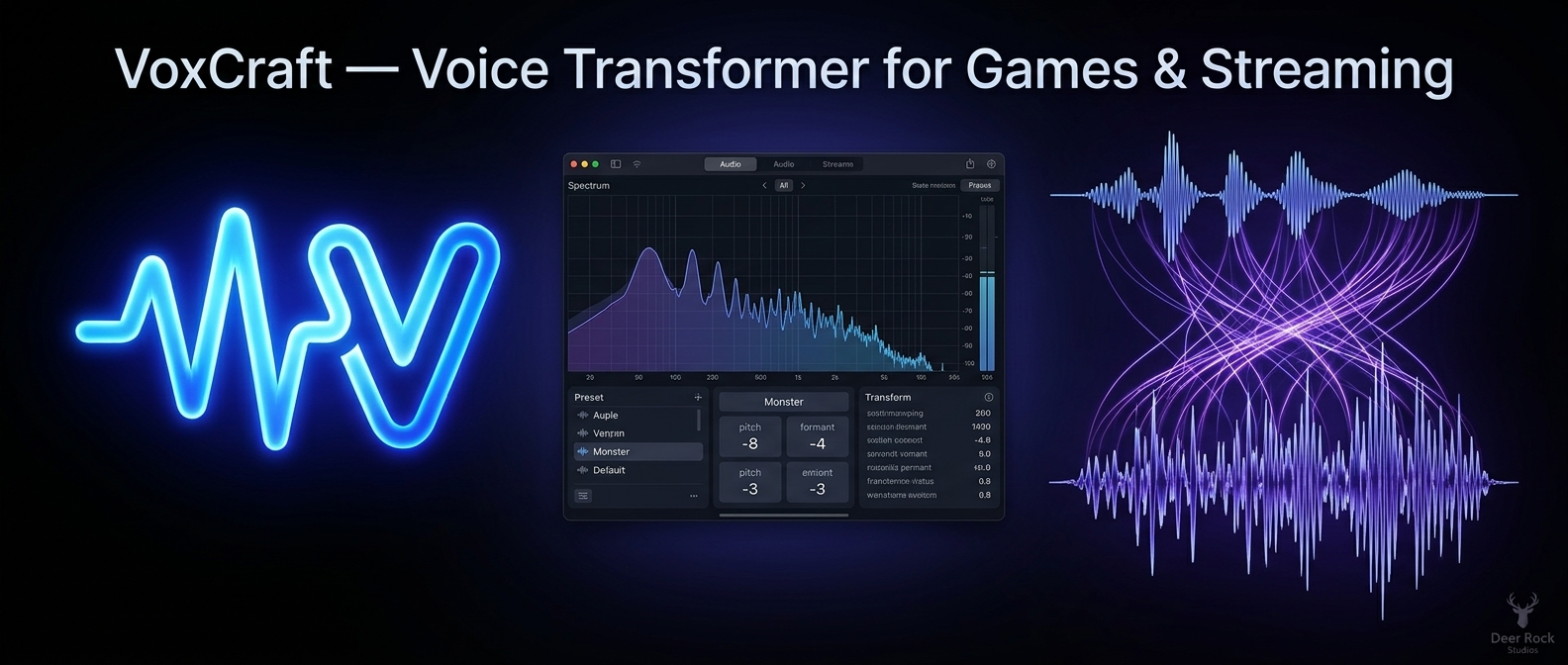
VoxCraft
A downloadable tool for Windows
VoxCraft v1.1.0 · Deer Rock Studios · Windows 10/11
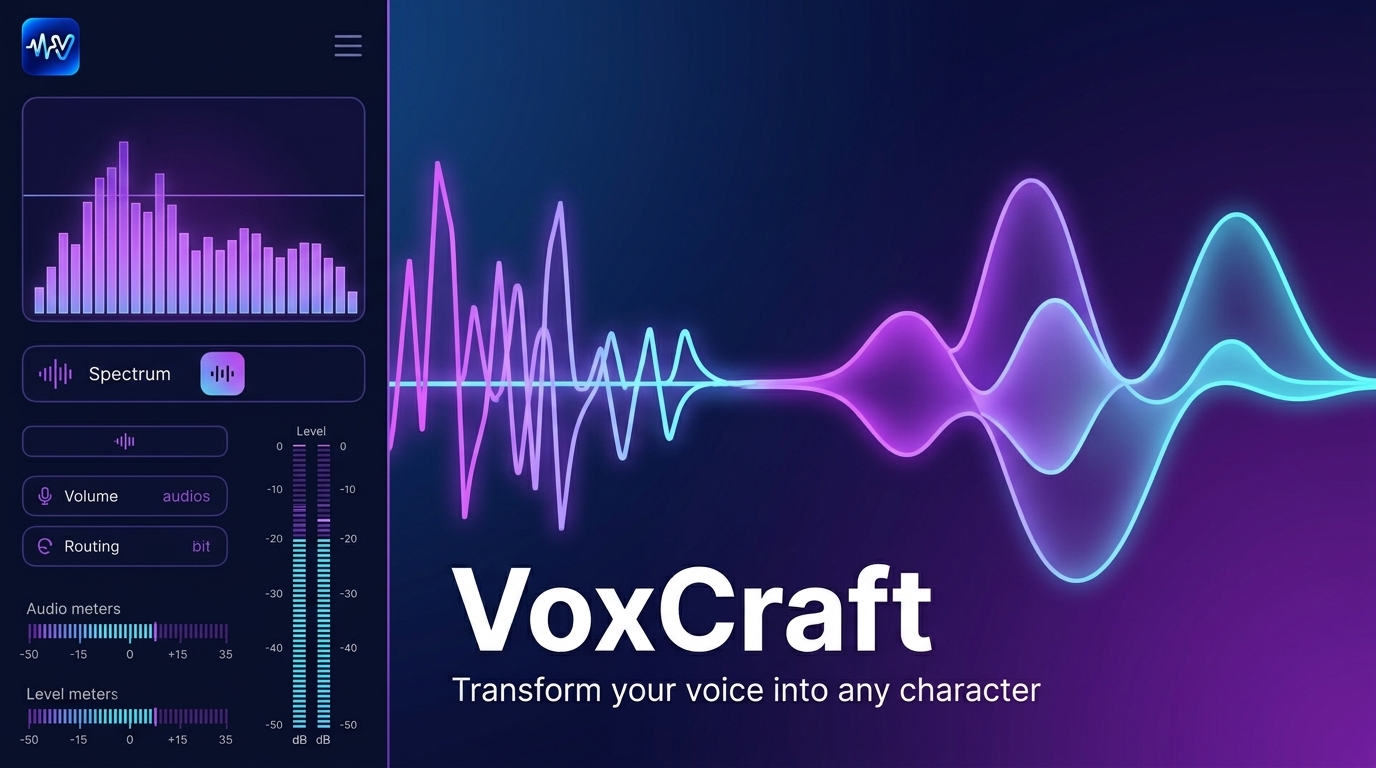 Record your voice → export character dialogue for your game
VoxCraft transforms your recorded lines into monster, robot, child, elder, demon and more — then exports WAV or OGG files ready for Godot, Unity or any engine.
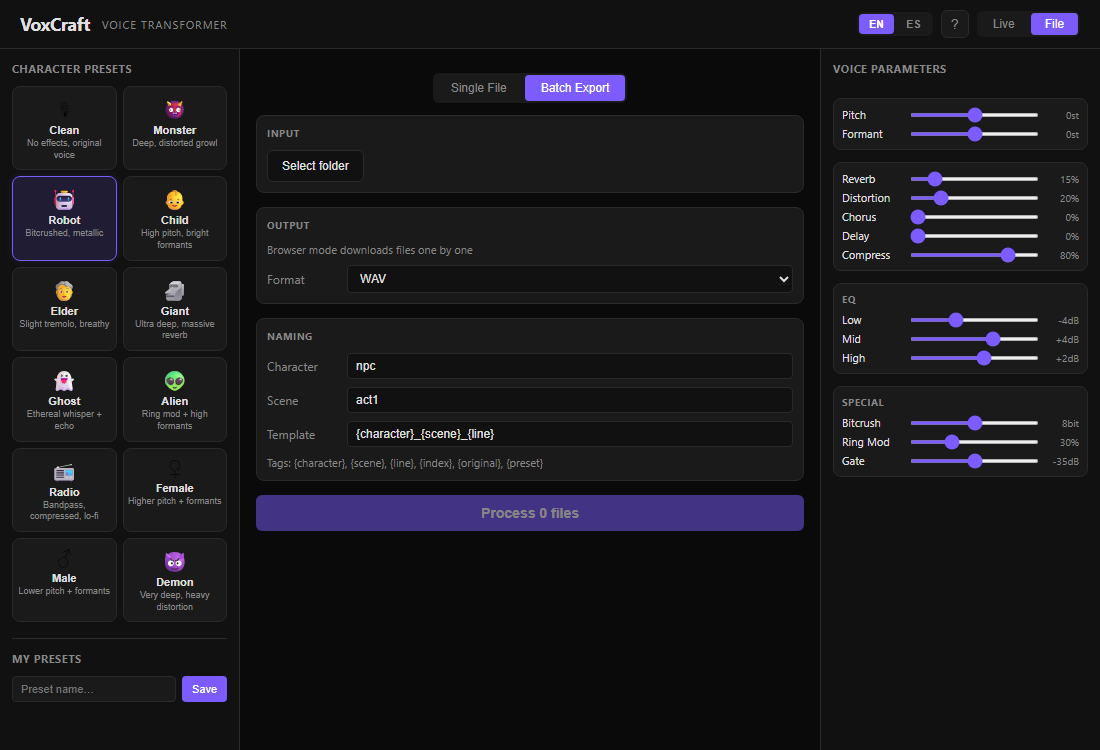
Batch-process a whole folder with naming templates like goblin_act1_001.ogg. Everything runs on your PC. No cloud upload. No subscription.
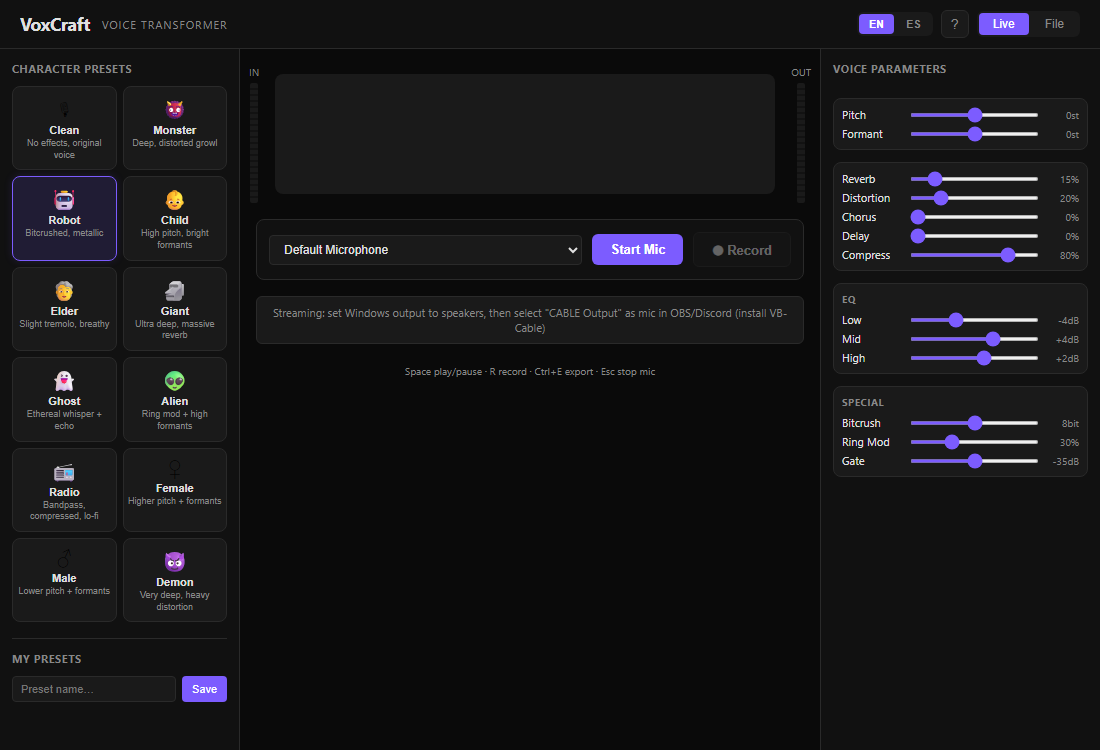
Live mic preview, waveform A/B compare, and batch export built for indie dialogue pipelines.
Features
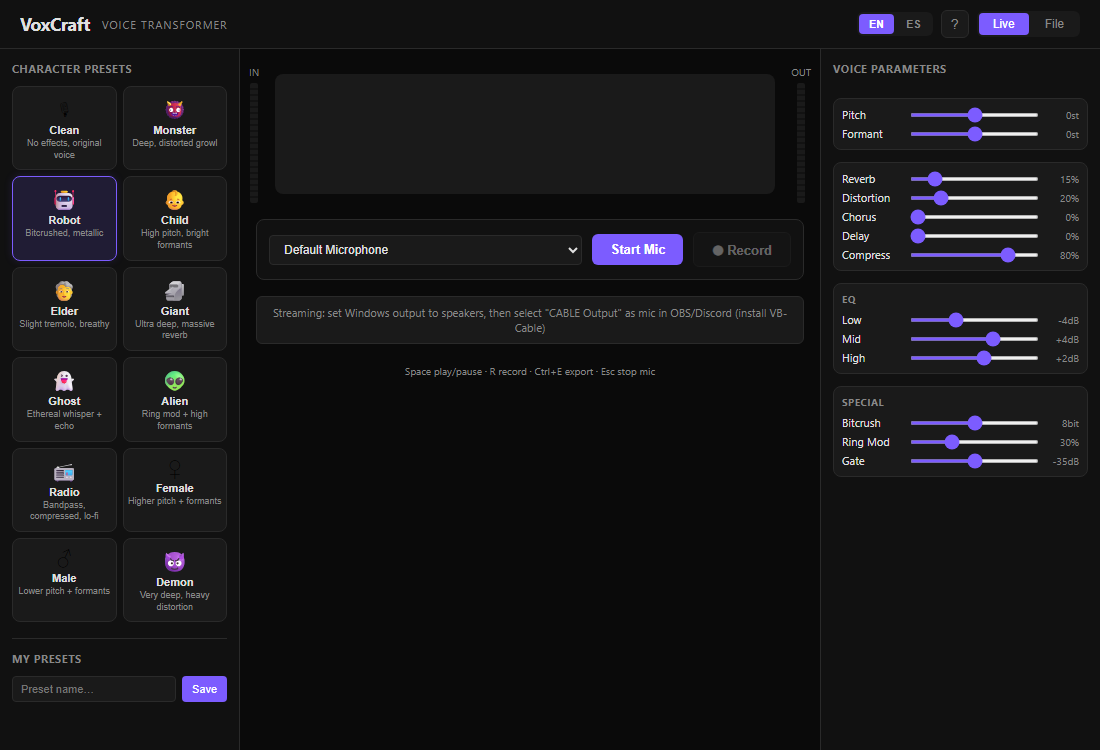
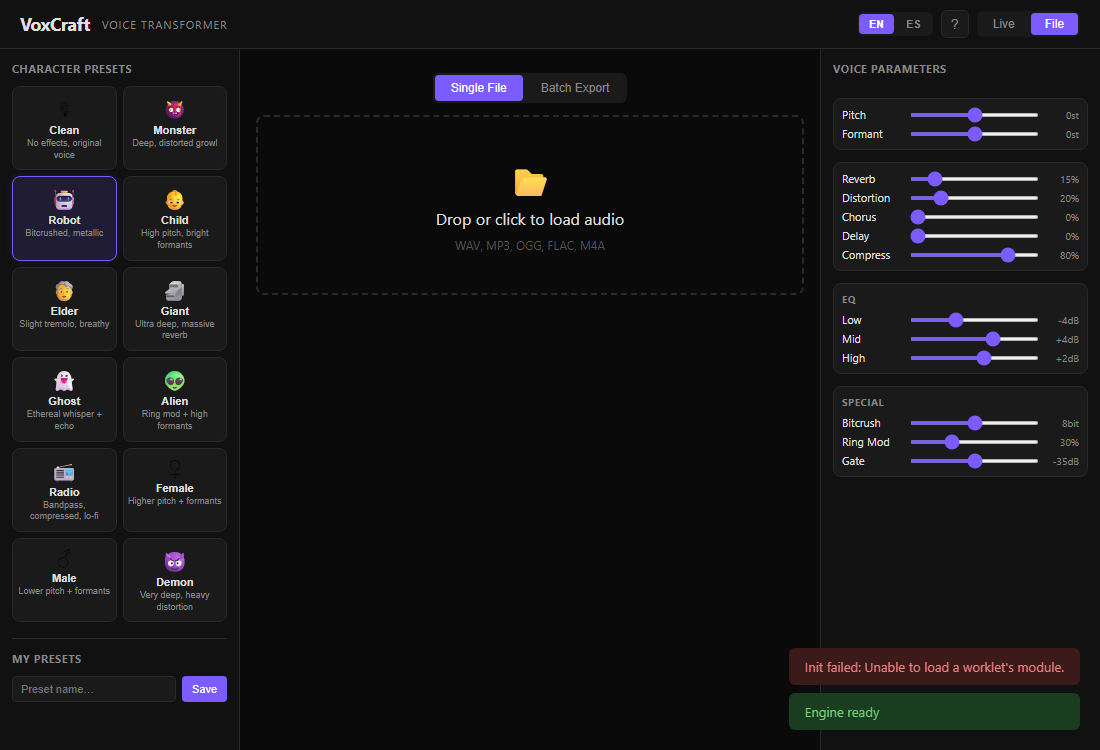
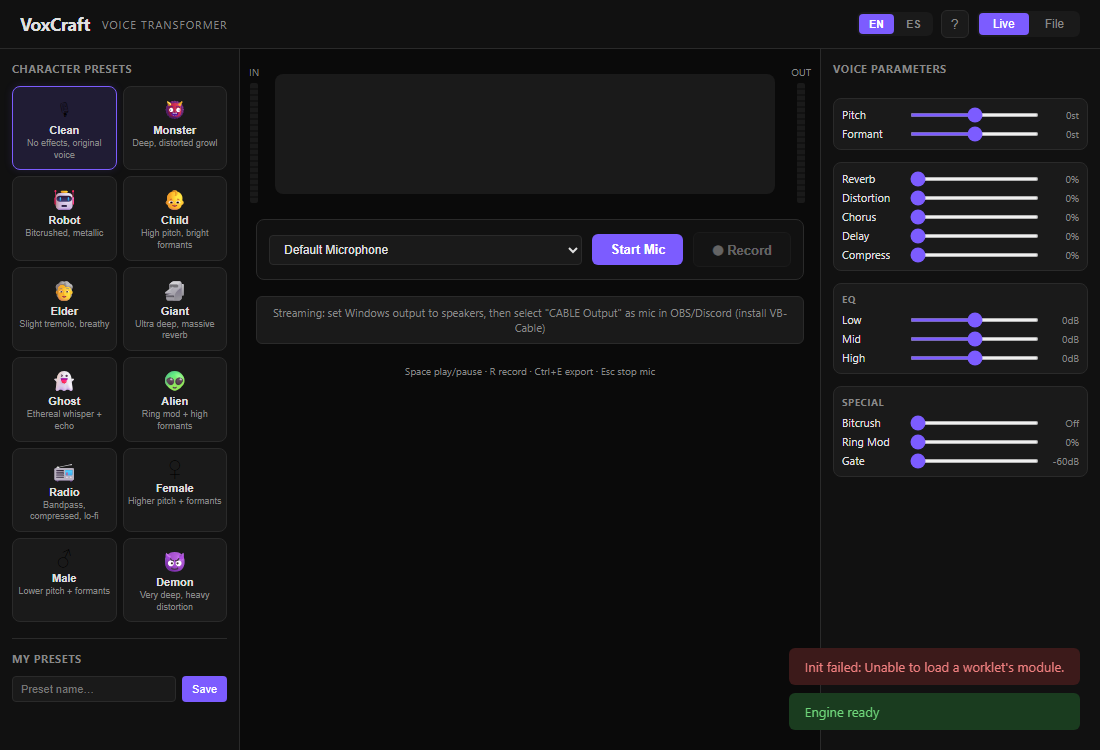
- 12 character presets — Clean, Female, Male, Child, Elder, Monster, Demon, Giant, Ghost, Robot, Alien, Radio
- Pitch + formant — independent controls (phase vocoder, not chipmunk unless you want it)
- FX chain — gate, EQ, distortion, chorus, reverb, delay, bitcrush, ring mod, compressor
- Live mode — mic → transform → speakers (VB-Cable for Discord/OBS)
- File mode — waveform, A/B original vs processed, export WAV or OGG
- Batch export — folder in → named files out
- Custom presets — save your tuned voices
- English / Spanish UI
 Workflow
- Record or import WAV / MP3 / OGG.
- Pick a preset or tune sliders.
- A/B preview against the original.
- Export one file or batch an entire dialogue folder.
License
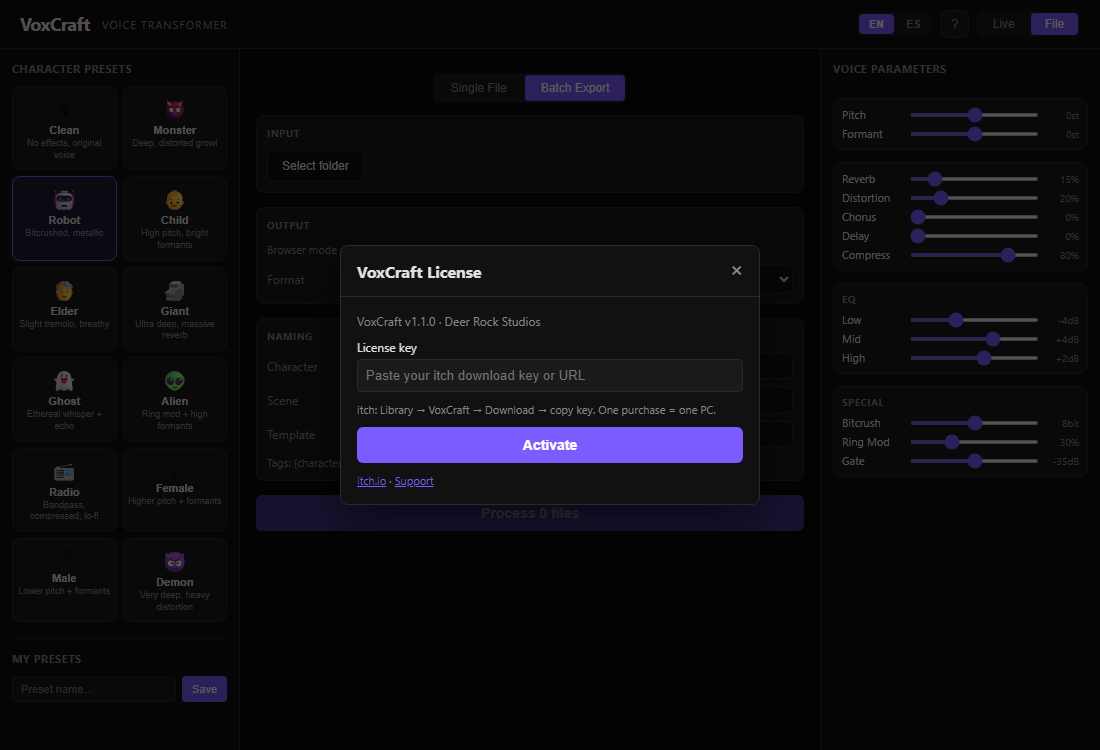
- One purchase = one Windows PC
- Activate with your itch download key: ? → License in the app
- Export and batch need activation; live preview works without a key
Requirements
- Windows 10/11 (64-bit)
- Microphone optional (file/batch mode works without mic)
- VB-Cable optional for streaming
Download
Click download now to get access to the following files:
Leave a comment
Log in with itch.io to leave a comment.